TIMBR Field › Field is where it starts
The TIMBR suite
Field is where it starts
Capturing good data on site is only worth something if it turns into a report without being handled three more times. That is what the other two pieces are for, and they read the same records in the same tenant.
Three pieces, one set of records
Capturing good data on site is only worth something if it turns into a report without being handled three more times. All three read and write the same records in the same Microsoft 365 tenant, so nothing is exported between them and nothing drifts out of date.
On site, in beta
TIMBR Field
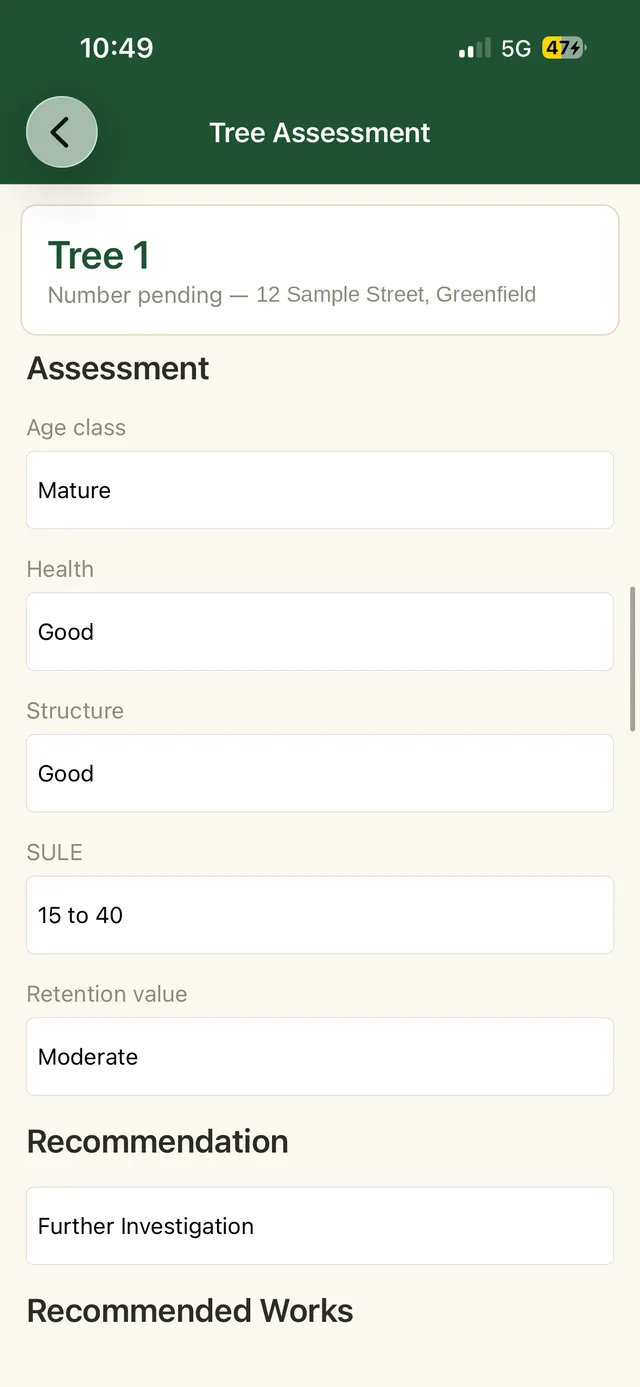
The phone in your pocket at the tree. Structured assessments, photos tagged with GPS, AS 4970:2025 reference figures worked out as you type, and a queue that does not care whether you have signal.
- iOS and Android, on the phone you already carry
- Full capture with no reception at all
- Syncs into your own SharePoint when back in range
On the desk
TIMBR Hub
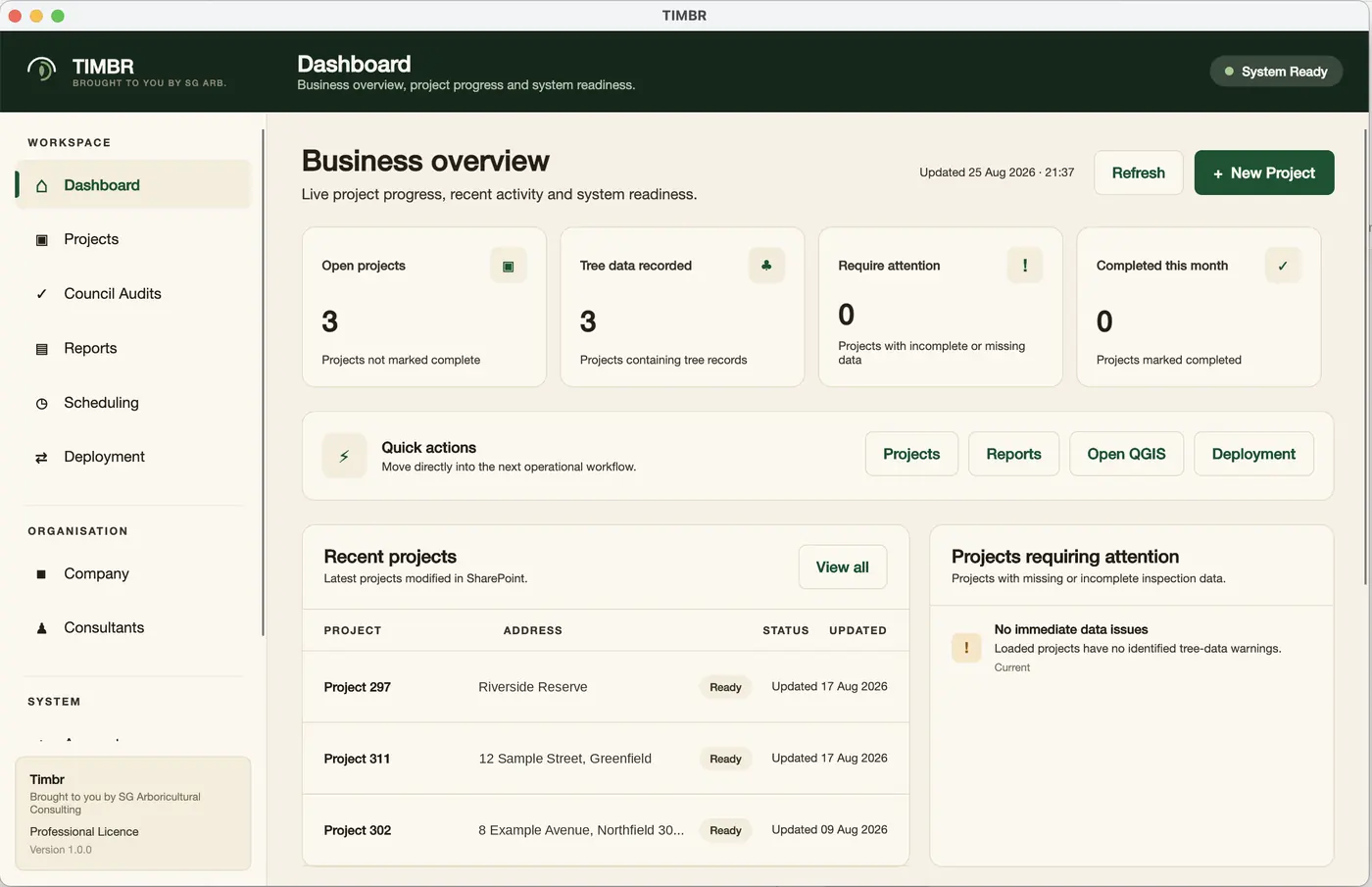
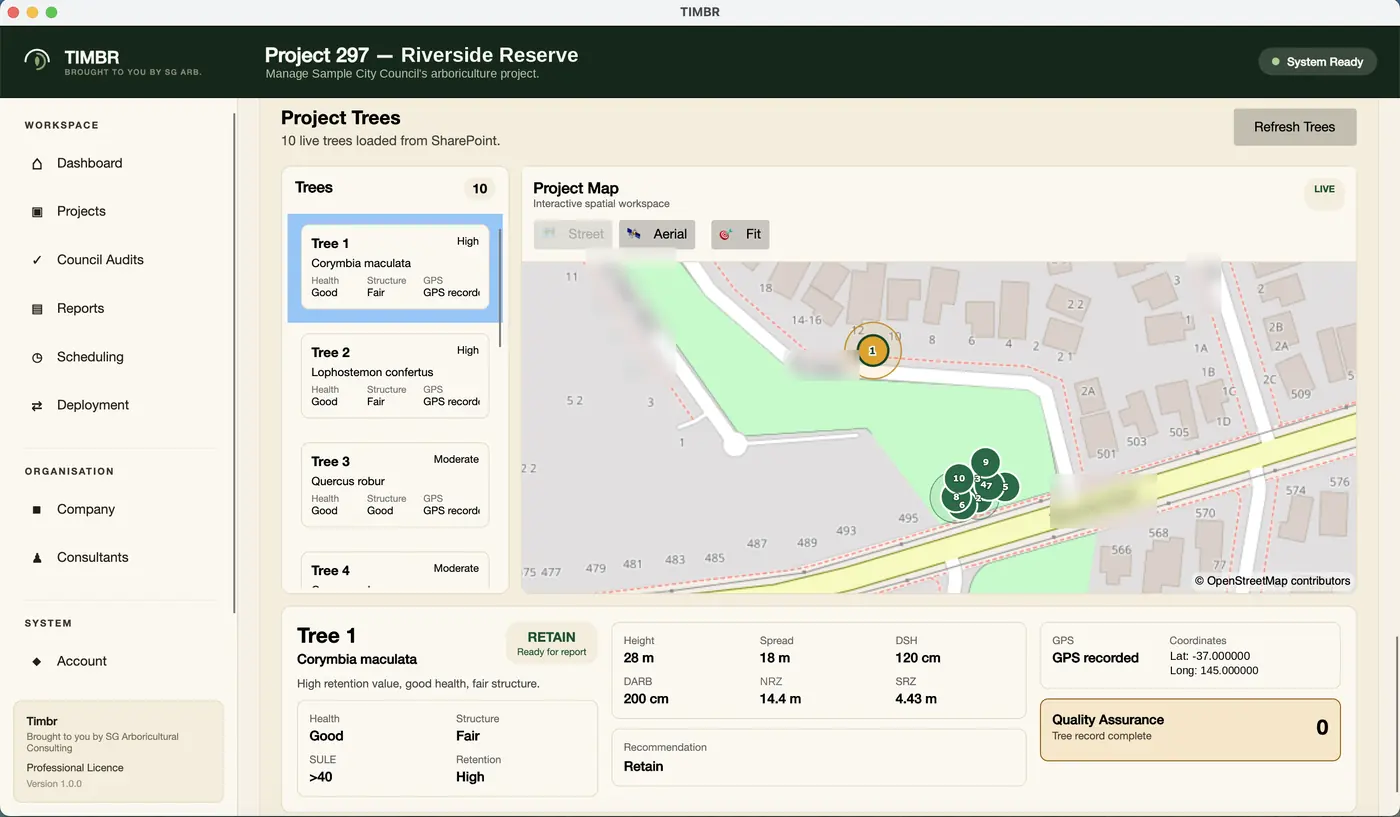
The office side. Connect your Microsoft 365 tenant once, then manage projects and consultants, schedule site visits, see which reports are ready to go out, and work with captured trees on a map.
- Project and client management across the practice
- Scheduling and assignment for site visits
- Trees on an interactive map with assessment detail
- Deployment and tenant setup in one place
On the plan
TIMBR QGIS plugin
The spatial end of the job. Bring in the development plans, work with your captured trees against the proposal, and generate the Arboricultural Impact Assessment from the same data you collected on site.
- Import development plans and work with trees spatially
- AS 4970:2025 driven impact assessment reporting
- Reads the same SharePoint records Field wrote
- Runs inside QGIS, which is free and which many consultancies already use
If your drafting still happens in a CAD package you are happy with, keep using it. Because records live as SharePoint lists you can open them in Excel whenever you like, so standard exports suit anyone still working that way.
Field first, then the rest
The beta starts with TIMBR Field. Hub and the QGIS plugin come with the platform as they are ready.
Private beta, capped at ten consultancies, five places left. Or call 0400 777 395.